HTML5 Browser Games vs App Games: Why Play in the Browser?
Every game on GameVolto is an HTML5 game. You tap a picture, the game loads and you start playing, with no app store, no download and no account. But what exactly is an HTML5 game, and when is it better than installing an app?
What is an HTML5 game?
HTML5 is the modern standard that web pages are built with. Together with JavaScript and graphics technologies such as Canvas and WebGL, it lets a web browser run games that used to need a separate app or plug-in. Older browser games used Adobe Flash, which stopped working at the end of 2020. HTML5 replaced it, and it works on phones, tablets and computers alike.
Why choose browser games?
- No download: the game loads in seconds and you can start playing straight away.
- No storage space: nothing is installed, so your phone does not fill up with games you played once.
- No updates: you always get the latest version when you open the page.
- Works everywhere: the same game runs on Android, iPhone, Windows, Mac and Chromebook.
- Easy to share: send a link and your friend can play the same game in seconds.
- Fewer permissions: browser games cannot read your contacts or files the way some apps can ask to.
When an app might be better
Large 3D games with long stories, online multiplayer and big worlds usually still work better as installed apps. They need more storage, more processing power and features such as offline play. HTML5 games shine for quick, focused experiences: puzzles, arcade games, board games and casual sports.
How your progress is saved
Many HTML5 games save your best score and unlocked levels in your browser's local storage. That means your progress stays on the device and browser you played on. If you clear your browsing data or switch devices, progress may reset. GameVolto does not need an account, so there is nothing to log in to.
Tips for the best experience
- Use an up-to-date browser such as Chrome, Safari, Edge or Firefox.
- Tap the full-screen button on the game page for a bigger view.
- Turn your phone sideways for games marked best in landscape.
- If a game will not load, refresh the page or try the restart button.
Try a few
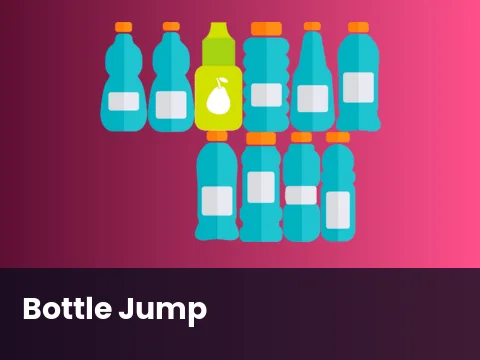
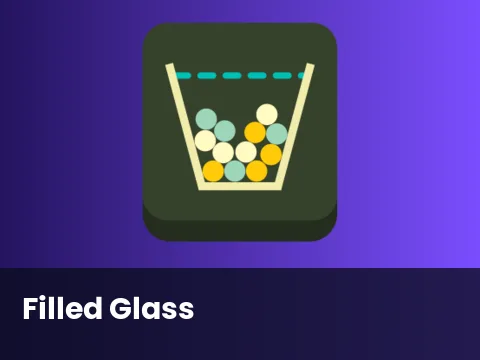
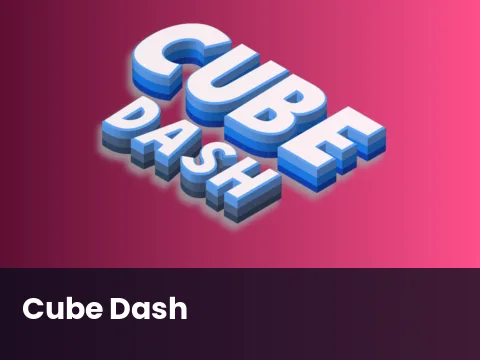
Not sure where to start? Bottle Jump takes ten seconds to learn, Filled Glass is a creative physics puzzle, and Cube Dash is a colourful endless runner. All three load instantly in your browser.